

Information gathering software is what firms need to collect data in a more organized way. In this article, we’ll explore five platforms that firms often consider when they need to gather client information. You’ll get a clear sense of what these tools do and which kinds of workflows they’re best suited for.
Information gathering software: 5 options you should consider
We did our homework to compile this list using firsthand testing and real-world user reviews from a multitude of software comparison sites. We evaluated each tool for ease of use, pricing, suitability for client-facing workflows, document-collection and data-gathering capabilities.
Here are our key findings.
1. Content Snare: Best information gathering software for secure and automated data collection

Content Snare is an easy-to-use platform for collecting documents and information without breaking a sweat. Built by a company that’s been around since 2010 and launched in 2016, this information gathering software is trusted by more than 1,600 businesses across accounting, bookkeeping, legal, real estate, financial services, and agency work.
According to a recent survey, businesses using Content Snare spend 71% less time gathering information and see a 77% reduction in data collection costs, with many firms saying it feels like finally having a system that clients actually understand. Some of its most important features include:
- Automatic reminders so you never have to follow up manually
- Progress tracking that shows what’s done and what’s still missing
- Fully customizable questionnaire templates
- Branded client portals that feel familiar and professional
- Secure file uploads backed by multiple security layers
- A huge template library to speed up new requests
- Integrations with tools like Zapier and Make to automate workflows
- Smooth client experience that cuts down on confusion and delays
In-form comments are another major feature that all of our clients love!. Here’s how illumin8 describes it:
“We’ve absolutely loved how our clients really use the comments feature and allow us to go back and forth with them and clarify what works and what doesn’t and what we need to get back from them.”
Content Snare organizes requests, collects documents securely, and chases clients automatically. It’s a quick win that can save you hours every single week.
2. Google Forms: Best for simple data entry and lightweight surveys

Google Forms is a quick and familiar option for collecting basic information, especially if your team already knows the ins and outs of Google Workspace (most teams do). It’s easy to spin up a form, share a link, and gather responses in one place without any setup headaches. For small tasks like short questionnaires or internal check-ins, it does the job without much fuss. This is why you could give it a try:
- It’s easy to create and share simple surveys
- Google Forms requests are simple for clients to fill out on any device
- Responses feed directly into Google Sheets
- Zero learning curve for most users
However, we must point out that Google Forms starts to show its limits when you need anything more polished. Customization is minimal, the design can look a bit plain, its template library is scarce, and file uploads can get clunky fast. Still, if all you need is a quick way to collect straightforward answers, there’s no real need to look for Google Forms alternatives.
3. Tableau: Best for data visualization
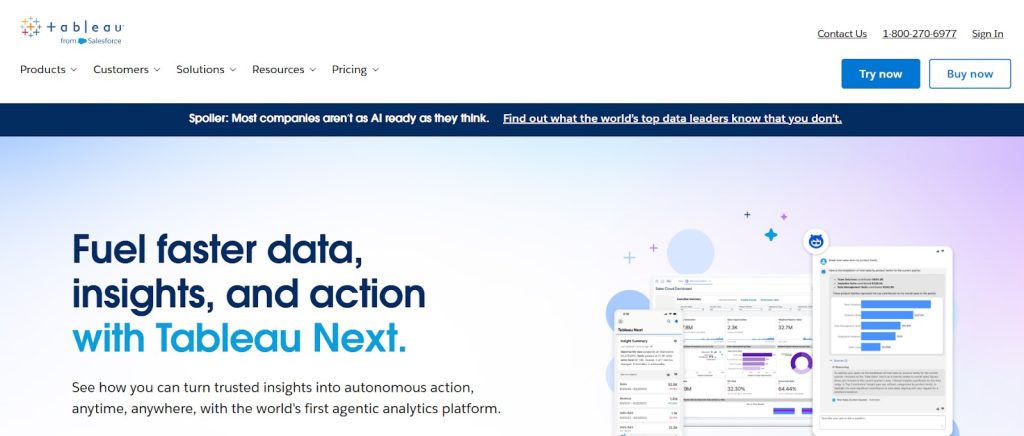
Tableau is built for turning raw information into interactive dashboards that enable teams to make sense of their data. It does miracles when you already have the information collected somewhere else and need a smart way to spot trends or present insights to clients or stakeholders. Many firms use it to bring scattered numbers together and turn them into visuals that actually tell a story. Where Tableau delivers:
- Powerful visual dashboards that are easy to share
- Great for spotting patterns and trends across projects or clients
- Integrates with a wide range of data sources
- Ideal for reporting and analysis, not information collection
Because Tableau focuses on analysis rather than gathering data, you’ll still need another tool to handle the upfront work of requesting documents or collecting details from clients. Once the information is in place, though, Tableau can help you bring it to life and make sense of it in a way spreadsheets never could.
Related: Tools for fast & secure client data collection
4. Microsoft Forms: Best for internal questionnaires inside Microsoft 365
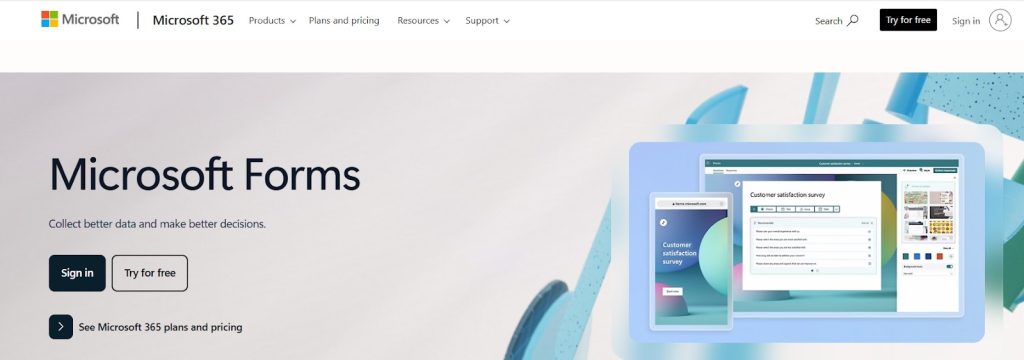
Microsoft Forms is a handy choice for quick surveys and simple data collection inside the Microsoft 365 ecosystem. For instance, it’s a no-brainer for professionals who already use tools like Outlook or SharePoint. That way, Microsoft Forms fits right in and makes it easy to gather basic inputs without jumping between platforms. What Microsoft Forms handles well:
- Simple setup for short surveys or quizzes
- Seamless use within the Microsoft 365 environment
- Easy sharing through Teams or email
- Straightforward interface for respondents
For more advanced client-facing work, though, you may start to feel boxed in: templates are fairly limited, customization options are minimal, and question types don’t go very deep. That’s why Microsoft Forms can feel a bit bare-bones if you need branded requests with better structure and organization. On the other hand, it’s a convenient tool for quick internal check-ins or lightweight team surveys.
Related: Google Forms vs Microsoft Forms: Who wins (+ the best alternative)
5. Smokeball: Best for small law firms handling straightforward client intake

We noticed that Smokeball became a popular solution among smaller law firms collecting basic details from new clients as part of their intake process. It’s designed with legal workflows in mind, so firms can capture the information they need up front and keep everything tied to the matter they’re opening. For practices that want something simple and familiar without a big learning curve, it fits the bill. Here’s why Smokeball stands out:
- Built-in intake tools tailored to legal workflows
- Smooth setup for small firms or solo practitioners
- Handy for gathering initial client information
- Integrates with the broader Smokeball practice-management system
That said, Smokeball’s intake features are still pretty limited if you need to collect larger document packages or manage more involved requests. Of course, it’s also not a general-purpose information gathering tool, so firms outside the legal world may find it a bit restrictive for day-to-day client workflows.
Make the right decision and you’ll improve the way you collect information
Choosing the right information gathering software can make your client work feel a lot smoother and far less stressful. Our suggestion is to take a closer look at the options: take advantage of free trials and explore key features to find the system that really suits your way of work. And if you’re in a hurry, just stick to the best solutions like Content Snare.
Make client information gathering simple and stress free.
With Content Snare, clients get a clear checklist, progress tracking, and automatic reminders that keep everything moving without your involvement.
Let’s make things easier for you, start your free trial
FAQ
What is information gathering software?
Information gathering software is a tool that makes it easy to request and collect the files and data you need from clients without chasing them or sorting through scattered emails. For example, tools like Content Snare or Google Forms keep things organized in a single place, so you can track progress easily.
How does Content Snare improve the client information collection process?
Content Snare improves the client data collection process with its automation features like progress saving and reminders. It also gives your clients a user-friendly portal where they can upload everything securely. This reduces back-and-forth messages and helps projects move forward without delays.
Is Content Snare secure enough for industries with strict compliance requirements?
Yes, Content Snare is ISO 27001 certified and uses strong encryption to keep client data safe. It’s designed for industries that handle sensitive information, such as accounting, legal, financial services, and other professional firms that heavily rely on compliance and security.
What features should I look for in information gathering tools?
This mainly depends on your business needs, but we definitely recommend looking for secure file handling, customizable request templates, automated reminders, progress tracking, and compatibility with your existing workflows. The best information gathering software makes it easy for clients to complete requests while giving teams full visibility into what’s still missing.
Deixe um comentário