

4 Best AI Image Generators for Stunning Visuals in 2026

AI images are becoming a major part of visual content.
They help people create photos and artwork fast without much manual editing.
In 2026, AI image generators will play an even bigger role because they can create realistic scenes, objects, and styles from simple text prompts.
If you want strong visuals for marketing, design, or social media, these tools can help you work faster and produce better results.
Chapters
What are AI image generators?

AI image generators are tools that turn text prompts into images.
You type a description, and the tool creates the visual for you using machine learning.
These generators can also edit photos, replace objects, expand images, and improve quality.
They remove a lot of manual work and produce polished results in seconds.
Best AI image generators in 2026
LightX
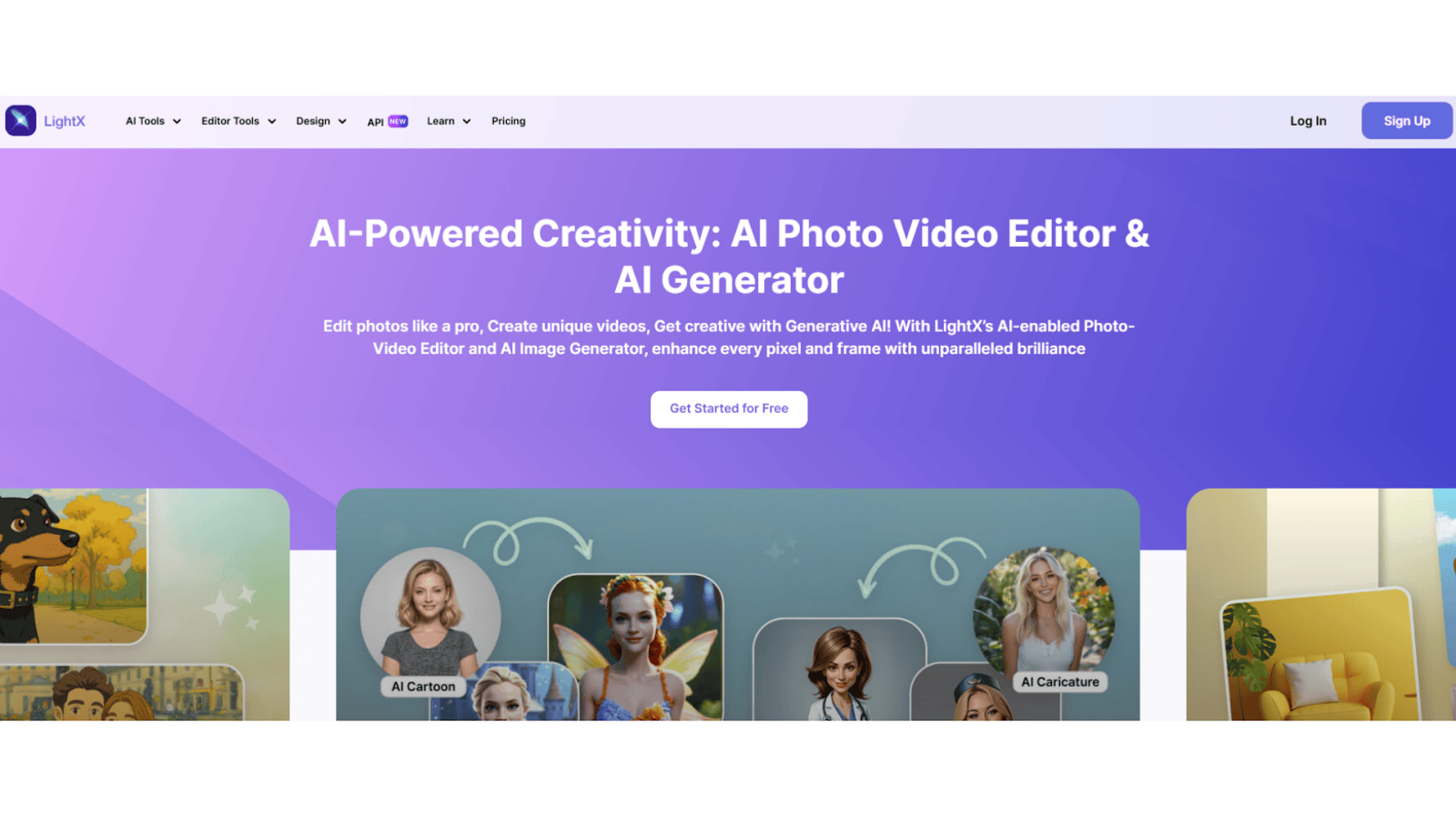
LightX gives you an easy way to create and edit images with AI.
You can generate images from text, replace objects, clean up photos, change outfits and hairstyles, or create backgrounds.
LightX is simple to use, works fast, and gives high-quality visuals.
Best for: users who want quick and creative AI images without spending much.
Key features:
- Text-to-image generation
- Object replacement
- Background generation
- Photo cleanup
- Image expansion
Adobe Firefly
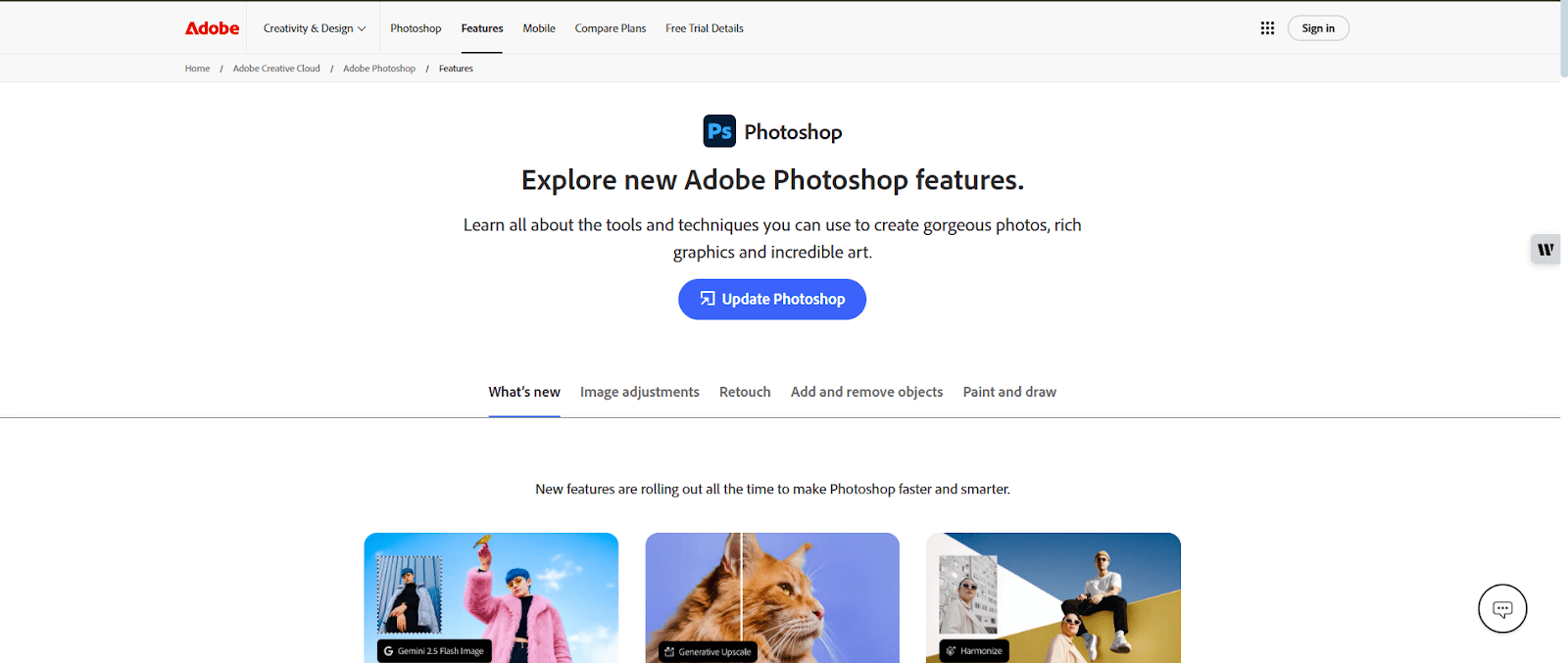
Adobe Photoshop is one of the top choices for AI-based editing.
It offers a wide range of tools that let you change and improve images with strong precision and full control.
Its powerful and flexible interface has been a standard in professional editing for many years.
It works well for detailed and creative projects.
Availability: Windows, macOS and iPad
Best for: professional photographers and designers
Top features:
- Replacing parts of an image with AI
- Adding new objects
- Changing or removing backgrounds
- Applying different filters
- Merging or combining images
Luminar Neo
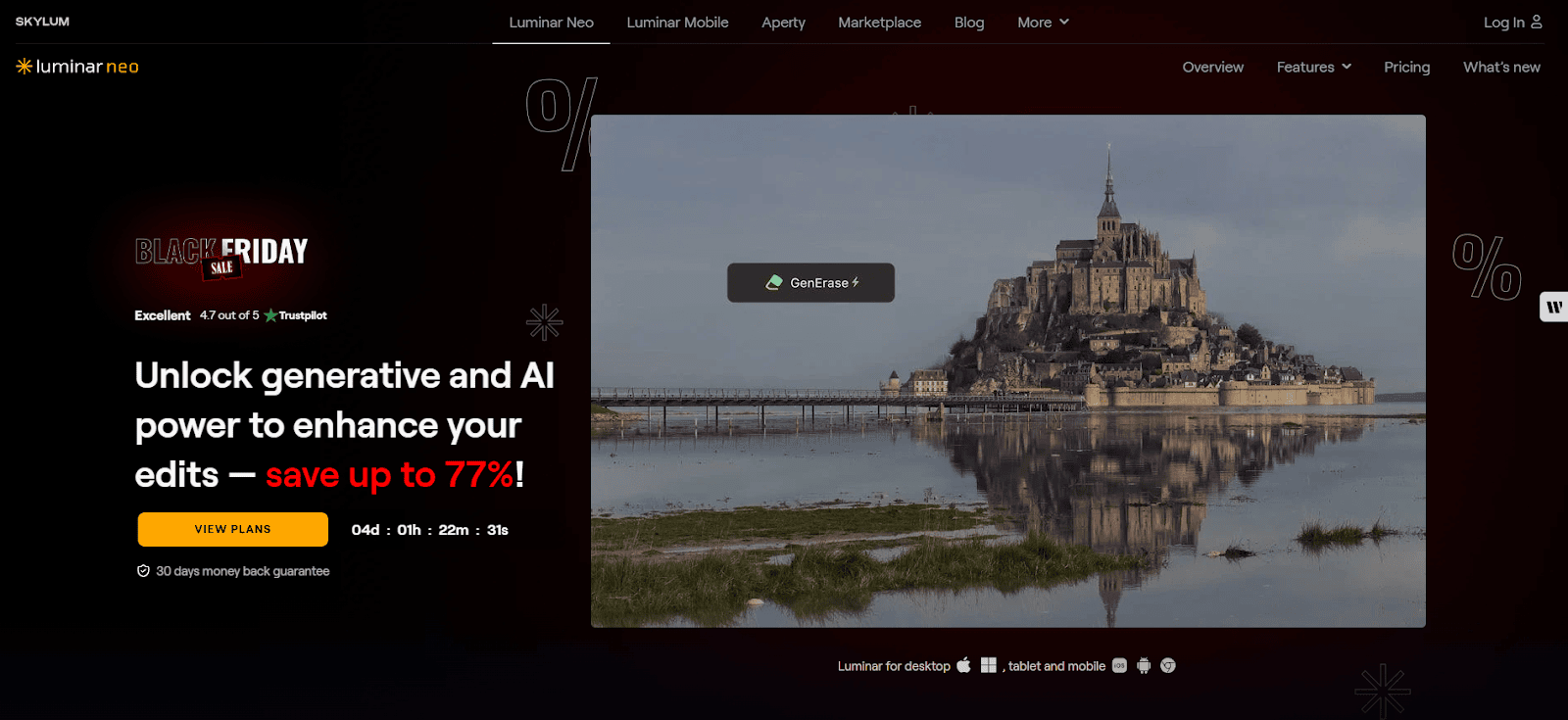
Luminar Neo gives you a set of AI tools that help you edit images with ease.
You can use many advanced features through a clean and intuitive interface, making it simple to create strong visual effects.
It offers plenty of options, making it a reliable choice for creative and detailed editing.
Availability: Windows and macOS
Best for: advanced hobbyists and professionals
Top features:
- AI sky replacement
- Skin retouching
- Light and exposure control
- Adding fog, mist or haze to photos
Canva
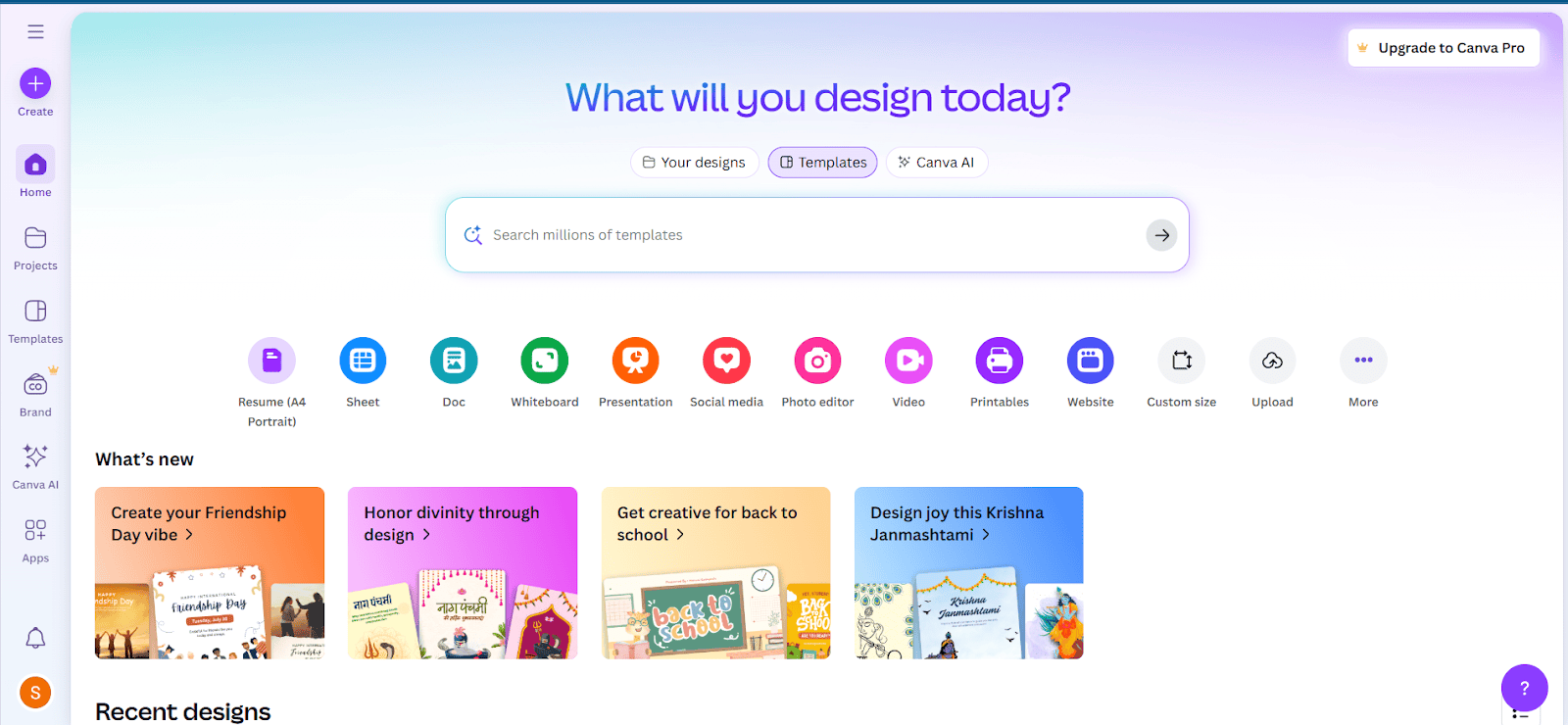
Canva’s AI tools make design and photo editing easy and quick.
You can create clean and attractive visuals without much effort.
Its straightforward and powerful interface works well for both personal and professional use.
It remains a dependable choice for fast and effective design work.
Availability: Web, iOS and Android
Best for: social media users and designers
Top features:
- AI photo enhancement
- Element replacement
- Background removal
- Image generation
- Applying filters
Here’s a quick comparison table of all the editors to help you understand them better.
| AI Editor | Strengths | Ease of use | Pricing plans | Overall performance |
|---|---|---|---|---|
| LightX | Beginner-friendly with many features and smart AI tools | Super easy | Free plan available; Pro starts at about $4.91 monthly or $49.08 yearly | Professional quality with fast and consistent results |
| Adobe Photoshop | Wide range of tools, strong AI features, trusted industry standard | Intermediate | $22.99 per month for Photoshop; Photoshop + Lightroom bundle $19.99 per month | Delivers industry-best precision with a professional finish |
| Luminar Neo | AI-driven features, clear interface, produces high-quality output | Intermediate | Yearly plan priced at about $33.36 | Reliable tool that produces rich, creative, top-quality visuals |
| Canva | Ready-made templates, wide set of design tools, smart AI features, and easy collaboration | Super easy | Free plan available; Pro costs about $5.96 per month or $47.68 per year | Multi-purpose, fast, and reliably effective |
Popular use cases for AI images
- Social media visuals: Create images for posts, ads, and stories quickly with AI.
- Product photos: Make clean product shots, remove backgrounds, or add new scenes.
- Marketing designs: Generate posters, banners, and ad creatives in seconds.
- Portrait improvement: Fix skin, lighting, and details automatically.
- Object and background edits: Replace objects, remove unwanted items, or create new backgrounds.
Limitations
Even with strong results, AI image generators still have limits:
- They sometimes produce incorrect object shapes
- Human hands or faces may look odd in detailed shots
- Complex scenes may need several prompt attempts
- Some tools need a paid plan for full-quality images
- Style consistency can be hard across many images
Conclusion
AI image generators in 2026 will help you produce visuals faster and with better quality.
Tools like LightX, Adobe Firefly, Midjourney, and Canva make it simple to generate creative, clean, and professional images from short text prompts.
They cut down your editing time and help you create strong visuals for any project.
If you want to stay ahead in content creation, these tools are worth exploring.
Other Interesting Articles
- AI LinkedIn Post Generator
- Gardening YouTube Video Idea Examples
- AI Agents for Gardening Companies
- Top AI Art Styles
- Pest Control YouTube Video Idea Examples
- Automotive Social Media Content Ideas
- AI Agent for Plumbing Business
- Plumber YouTube Video Idea Examples
- AI Agents for Pest Control Companies
- Electrician YouTube Video Idea Examples
- AI Agent for Electricians
- How Pest Control Companies Can Get More Leads
- AI Google Ads for Home Services
Master the Art of Video Marketing
AI-Powered Tools to Ideate, Optimize, and Amplify!
- Spark Creativity: Unleash the most effective video ideas, scripts, and engaging hooks with our AI Generators.
- Optimize Instantly: Elevate your YouTube presence by optimizing video Titles, Descriptions, and Tags in seconds.
- Amplify Your Reach: Effortlessly craft social media, email, and ad copy to maximize your video’s impact.
The post 4 Best AI Image Generators for Stunning Visuals in 2026 appeared first on StoryLab.ai.
Deixe um comentário