

SEO Demystified: Understanding the Core Principles Behind Effective Optimization

Content calendars still treat the music on a short video as a stock-bed line. The post is already approved, the cut is fifteen or thirty seconds, and a producer drops a library loop under the captions because the row says music and nothing more. That shortcut goes wrong when the placement is paid and the loop never changes at the line where the offer appears. An ai music generator is the other file on that row, and it only helps if the song has a section you can trim and a plan that allows the ad.
The row has two blanks a library search does not fill. One is whether the music has to move when the caption moves. The other is who may run the file in a paid placement. CAVN AI belongs in the conversation only after those blanks are filled, because a generated song on the wrong plan is a faster route to a file the ad cannot use.
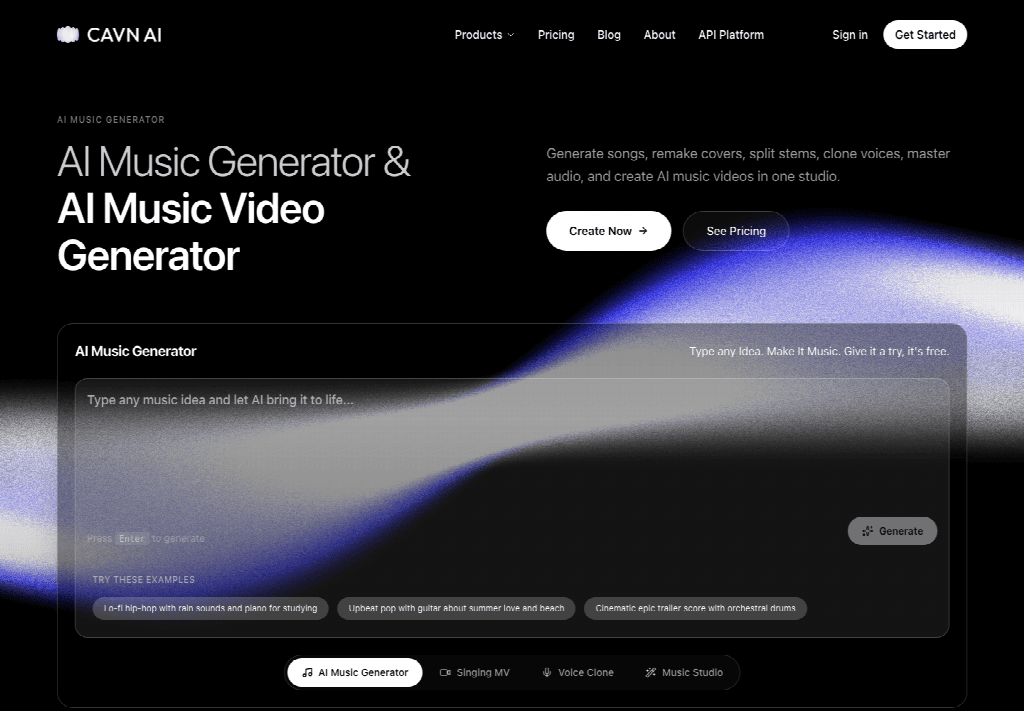
The homepage banner is wider than the pricing terms, so the calendar should follow the plan, not the banner.
Chapters
What The Repurpose Row Actually Asks
A repurpose row is a small brief. It names the source post, the cut length, and the channel. It rarely names the bar where the picture should change. If the team fills the music cell with the first loop that feels bright, the edit later has to stretch that loop across a caption that introduces a price, a date, or a product name. The stretch is the failure. The viewer hears the same bar while the words on screen change, and the change has no sonic mark. A content team that ships blog posts into short video hits this every week the calendar adds a cut without adding a joint.
Cut Length Written On The Row
Write the cut length on the row before anyone opens a library or a generator. Fifteen seconds can be one section. Thirty seconds can be a verse into a short chorus, or a chorus into an outro. A loop has no such joint. When you check the row, the pass rule is plain: the music file must contain a place where the arrangement changes, and that place must be able to sit on the caption change. If the only file in the folder is a four-bar loop, the row is not ready, and generating five more loops will not make it ready.
Put the number in seconds next to the channel, not in a mood word. “Upbeat” does not tell the editor where to cut. “22 seconds, offer line at 8” does. The second number is the one the music has to hit. Without it, every later review becomes a taste argument, and taste arguments burn the afternoon the calendar thought it had saved.
Who Is Allowed To Publish The File
The second blank is the publisher. A blog can sit on the site under an editorial use that a paid social ad does not share. The person who approves the cut should name the channel in the row: an organic preview, a paid placement, or a client handoff. Those three do not share one license. A file cleared for an internal preview can still be the wrong file for a boosted post. Leave the channel blank and the later fight is about taste. Fill it in and the fight is about whether this file may run.
Name a person, not a department. “Social” is not a right. The media owner who will boost the post is the one who has to live with a claim. If that person is not in the review, the row is only a wish. Write the name beside the channel before the file is chosen, so the license question has somewhere to land.
A Stock Bed And What It Refuses
A stock bed is a finished loop or a short cue sold under a library license. It is fast, and for a clip that only needs a pulse under a talking head it can be the right file. It refuses two things this row often needs. It refuses a new section, because the arrangement was written as a repeat. It also refuses a license you have not bought. A track cleared for web video may still exclude paid ads, or it may allow ads only inside a named territory. The rework shows up late. The editor has already cut pictures to the loop, the buyer asks for the license, and the license does not cover the placement. The team then hunts a second bed and recuts the pictures. That is a budget problem.
The library still earns the row when the cut is a mood under speech and the invoice already matches the channel. Keep that bed. Do not replace a cleared file just to have a generated one in the folder. The comparison is about the blanks on the row. A modern-sounding take does not repair a missing section, and a familiar library track does not repair a license that stops at organic posts.
Read the license the way you read the cut length: look for the verb the channel needs. “Broadcast,” “paid social,” and “internal” are different verbs. If the PDF does not contain the verb, the bed is out, however clean the loop sounds under the logo. Teams lose time here because the preview sounds finished. Finished sound is not the same document as a license.
Where A Generated Song Sits In The Row
A generated song sits in the row when you need a joint. You describe the film in one sentence, the way the studio invites a plain line rather than a stack of style tags, and you ask for variations. The create step is specific. Describe the vision, take the variations, then pick or blend the best parts. Blending matters more than collecting takes. You are looking for one section that can land on the caption, not for a pile of songs that all feel grand.
On CAVN AI that create step is the front of a longer studio. Text, an image, or a video can start the song. For a repurposed post, text is enough. The sentence you already wrote for the caption is the brief. Keep image and video inputs out of this pass unless the picture itself has to drive the harmony. Extra inputs add files to review, and this row only has room for one cue.
The ai music generator pass is finished for this job once you can point at a section and say what the picture does there. If you cannot point, the variations are not a cue yet. Discard the takes that never change. A take that swells under the offer and then thins out is the one to keep, even when another take opens more smoothly and never moves.
Pick Or Blend Before The Trim
Pick or blend before you trim. Trimming a weak take only makes a shorter weak take. Listen for the joint with the caption in front of you. If the offer appears at eight seconds, the arrangement should change at eight seconds, not at the downbeat the model happened to prefer. Blend only the bars that serve that joint. Export the trimmed section as the file named on the row, and keep the full take beside it in case the cut length moves from fifteen to thirty. The full take is the spare. The trimmed section is the ad.
Say no to a take that changes in the wrong place. A swell at four seconds looks lively on its own and still misses an offer that arrives at eight. That miss is audible once the caption is on screen, and it is the reason to blend or to discard, not the reason to add another adjective to the sentence. One more adjective rarely moves the joint. A different take does.
The Price Line That Decides The File
Rights decide the file before anyone argues about the mix. The pricing page puts commercial use on paid plans and marks the free plan as non-commercial. Pro is listed from $19 a month. Yearly billing is marked as a 16 percent saving. Extra credits bought as add-ons are valid for 30 days from purchase. The published offer range on the site runs from $0 to $75 across four offers. None of those figures say how many songs a month contains, so do not invent a credit budget in the calendar. They do say that a free account is a trial of the workflow, not a clearance for a paid placement.
| Question on the Row | Stock Bed | Generated Song |
|---|---|---|
| Section change in the cut | Usually absent; you stretch a loop | Present if you pick a take and trim at the joint |
| Paid social | Only when the library license names ads | Paid plan includes commercial use; free plan does not |
| Who owns the recording | The library; you hold a license | You keep the copyright and the songwriter credit |
| If the channel changes | Re-read the license or buy again | Check that the plan still covers the new channel |
CAVN AI also says you keep ownership of the music and the videos, and that songwriter credit stays with you. The account holds the project in private until you share or publish it. Cancel a paid plan and access runs to the end of the period you already paid. Those terms help on a client handoff. You can name the owner, and you can say the file was not sitting on a public page while the cut was still in review.
Read the homepage beside the pricing page before you treat a free export as cleared. The banner says the music is free to start and free for commercial use. The pricing terms say the free plan is non-commercial, and that commercial rights sit on paid plans, alongside higher usage, priority access, and the advanced production tools. For a paid placement, follow the pricing terms. A file from the free plan fails the row even when the section change is right. The cost of that miss is a takedown or a rushed replacement, which is rework the calendar did not price. Upload only material you already have the rights or the consent to use. A generated arrangement does not launder a melody you did not own.
Where The Free Plan Still Needs A Paid Seat
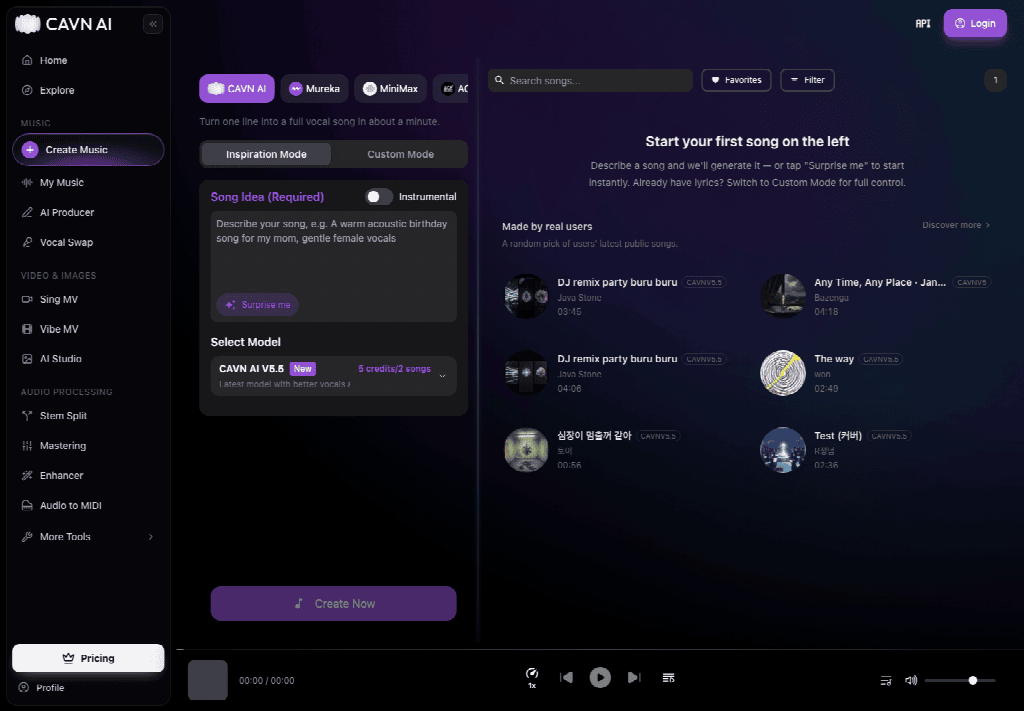
A free account can try the core generator, and that trial is the wrong file for a paid placement. The plan marks free use as non-commercial. Clone a voice only from a sample you already have rights or consent to use. A longer prompt does not clear either gate. If the row is an ad, move to a paid plan before export, or keep a library bed whose invoice matches the channel.
File The Track The Calendar Can Defend
File the track on the calendar only when you can name the section and the plan. The section is the bar that moves with the caption. The plan is the paid commercial seat, not the free trial and not a homepage banner. CAVN AI fits a content team that already has the picture and needs a cue with a joint for a paid short video. A pulse under speech can stay on a library bed when that invoice already matches the channel.
Leave the generated file off the ad when either name is missing. A strong take on a free plan is still the wrong attachment. A cleared bed with no section change is the wrong attachment too, once the caption has to land on a new bar. Write the section and the plan on the row before the file is attached to the ad.
Other Interesting Articles
- AI LinkedIn Post Generator
- Gardening YouTube Video Idea Examples
- AI Agents for Gardening Companies
- Top AI Art Styles
- Pest Control YouTube Video Idea Examples
- Automotive Social Media Content Ideas
- Plumber YouTube Video Idea Examples
- AI Agents for Pest Control Companies
- Electrician YouTube Video Idea Examples
- How Pest Control Companies Can Get More Leads
- AI Google Ads for Home Services
- 60-Second Training Videos Are the New Corporate Standard
- Cybersecurity PR Pricing: Retainers, Deliverables & ROI
- Best AI Tools for Product Consistency in E-Commerce Video
Master the Art of Video Marketing
AI-Powered Tools to Ideate, Optimize, and Amplify!
- Spark Creativity: Unleash the most effective video ideas, scripts, and engaging hooks with our AI Generators.
- Optimize Instantly: Elevate your YouTube presence by optimizing video Titles, Descriptions, and Tags in seconds.
- Amplify Your Reach: Effortlessly craft social media, email, and ad copy to maximize your video’s impact.
The post AI Music Generator Vs A Stock Bed For Short Video appeared first on StoryLab.ai.
Deixe um comentário